Skip to main content Skip to main navigation menu Skip to site footer
Political Life
  • Register
  • Login
  • Current
  • Archives
  • About
    • About the Journal
    • Submissions
    • Editorial Team
    • Privacy Statement
    • Contact
  1. Home /
  2. Archives /
  3. No. 28 (2025)

Published: 2025/06/30

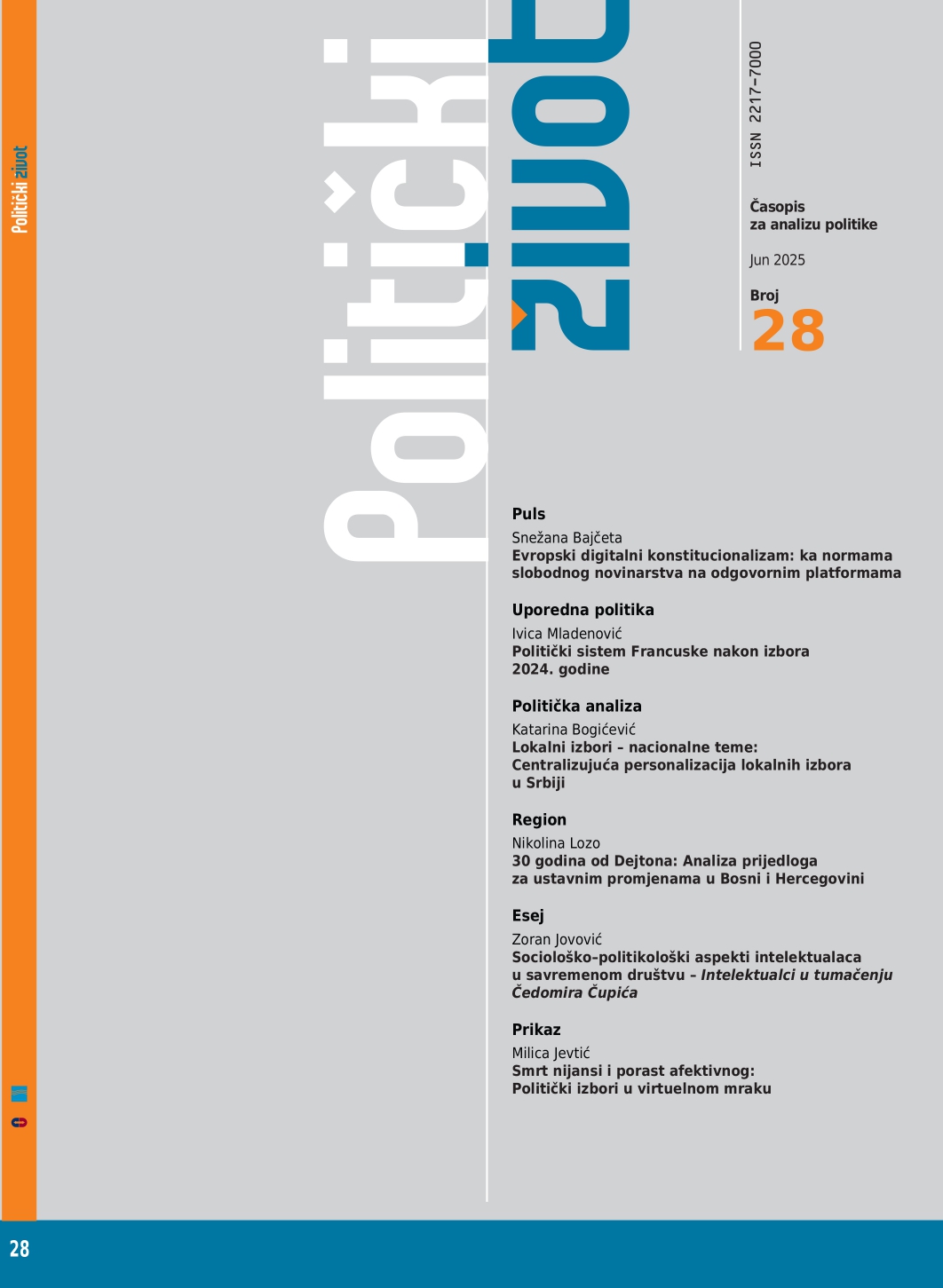
Full Issue

  • Politički život 28/2025 (Srpski)

Članci

    • PDF
    European Digital Constitutionalism: Toward Norms of Free Journalism on Accountable Platforms
    Snežana Bajčeta
    • PDF
    The Political System of France After the 2024 Elections
    Ivica Mladenović
    • PDF
    Local Elections - National Themes: Centralizing Personalization of Local Elections in Serbia
    Katarina Bogićević
    • PDF
    30 years from Dayton: Analysis of proposals for constitutional changes in Bosnia and Herzegovina
    Nikolina Lozo
    • PDF
    Sociological and political aspects of intellectuals in the contemporary society - Intellectuals in the interpretation of Čedomir Čupić -
    Zoran Jovović

Book review

    • PDF
    The Death of Nuance and the Rise of the Affective: Political Elections in the Virtual Dark /
    Milica Jevtić
Language
  • Srpski
  • English
MAKE A SUBMISSION
Information
  • For Readers
  • For Authors
  • For Librarians
© Copyright 2025. Centre for Evaluation in Education and Science

This field is required.
Close  
Ensuring a Blind Peer Review

To ensure the integrity of the blind peer-review for submission to this journal, every effort should be made to prevent the identities of the authors and reviewers from being known to each other. This involves the authors, editors, and reviewers (who upload documents as part of their review) checking to see if the following steps have been taken with regard to the text and the file properties:

  1. The authors of the document have deleted their names from the text, with Author and year used in the references and footnotes, instead of the authors' name, article title, etc.;
  2. With Microsoft Office documents, author identification should also be removed from the properties for the file (see under File in Word), by clicking on the following, beginning with File on the main menu of the Microsoft application: File > Save As > Tools (or Options with a Mac) > Security > Remove personal information from file properties on save > Save.
  3. With PDFs, the authors' names should also be removed from Document Properties found under File on Adobe Acrobat's main menu.