Skip to main content Skip to main navigation menu Skip to site footer
Politeia
  • Register
  • Login
  • Current
  • Archives
  • About
    • About the Journal
    • Submissions
    • Editorial Team
    • Privacy Statement
    • Contact
  1. Home /
  2. Archives /
  3. No. 26 (13)

Published: 2024/09/26

Review Paper

    • PDF
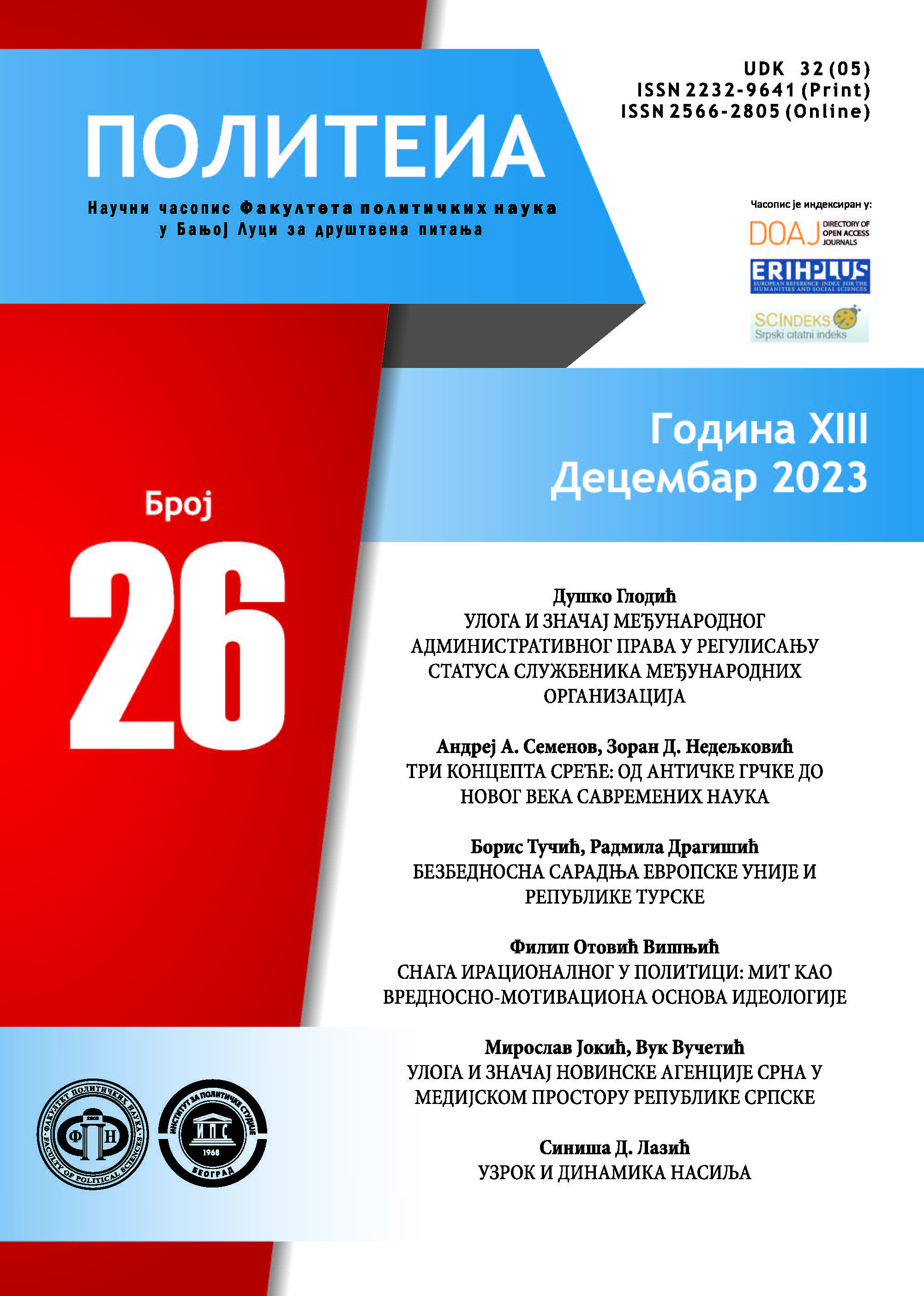
    ROLE AND IMPORTANCE OF INTERNATIONAL ADMINISTRATIVE LAW IN REGULATING THE STATUS OF THE OFFICIALS OF INTERNATIONAL ORGANISATIONS
    Duško Glodić
    11-24
    • PDF
    THREE CONCEPTS OF HAPPINESS: FROM ANCIENT GREECE TO MODERN SCIENCES
    Andrej Semenov, Zoran Nedeljkovic
    25-37
    • PDF
    SECURITY COOPERATION BETWEEN THE EUROPEAN UNION AND THE REPUBLIC OF TURKIYE
    Boris Tučić, Radmila Dragišić
    39-54
    • PDF
    THE POWER OF THE IRRATIONAL IN POLITICS: MYTH AS A VALUE AND MOTIVATIONAL BASIS OF IDEOLOGY
    Filip Otović Višnjić
    55-66
    • PDF
    THE ROLE AND IMPORTANCE OF THE SRNA NEWS AGENCY IN THE MEDIA SPACE OF THE REPUBLIC OF SRPSKA
    Miroslav Jokić, Vuk Vucetic
    67-90

Review

    • PDF
    CAUSE AND DYNAMICS OF VIOLENCE
    Siniša D. Lazić
    93-97
Language
  • English
  • Srpski
MAKE A SUBMISSION
Information
  • For Readers
  • For Authors
  • For Librarians
© Copyright 2025. Centre for Evaluation in Education and Science

This field is required.
Close  
Ensuring a Blind Peer Review

To ensure the integrity of the blind peer-review for submission to this journal, every effort should be made to prevent the identities of the authors and reviewers from being known to each other. This involves the authors, editors, and reviewers (who upload documents as part of their review) checking to see if the following steps have been taken with regard to the text and the file properties:

  1. The authors of the document have deleted their names from the text, with Author and year used in the references and footnotes, instead of the authors' name, article title, etc.;
  2. With Microsoft Office documents, author identification should also be removed from the properties for the file (see under File in Word), by clicking on the following, beginning with File on the main menu of the Microsoft application: File > Save As > Tools (or Options with a Mac) > Security > Remove personal information from file properties on save > Save.
  3. With PDFs, the authors' names should also be removed from Document Properties found under File on Adobe Acrobat's main menu.