Skip to main content Skip to main navigation menu Skip to site footer
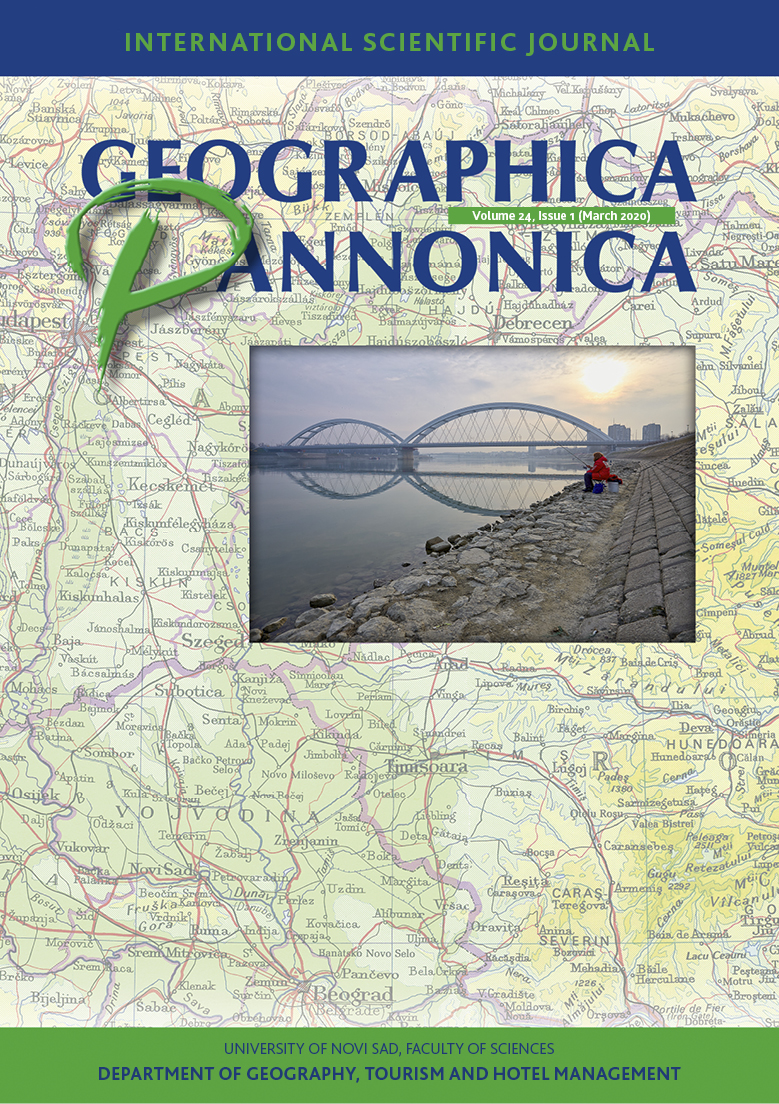
Geographica Pannonica
  • Register
  • Login
  • Current
  • Archives
  • About
    • About the Journal
    • Submissions
    • Editorial Team
    • Contact
  1. Home /
  2. Archives /
  3. Vol. 24 No. 1 (2020)

Published: 2020/04/07

Full Issue

  • Full Issue

Original Research

    • PDF
    Point-bar development under human impact: case study on the Lower Tisza River, Hungary
    Judit Nagy, Tímea Kiss
    1-12
    • PDF
    The impact of suburbanisation on power relations in settlements of Budapest Agglomeration
    Márton Bagyura
    13-24
    • PDF
    Fluctuating Geographical Position Within a Geopolitical and Historical Context. Case study: Romania
    Radu Danut Sageata
    25-41
    • PDF
    What will prevail within citybreak travel, motivation or demotivation? Case study of Novi Sad, Vojvodina, Serbia
    Miroslav D. Vujicic, Igor Lj. Stamenkovic, Ugljesa Stankov, Sanja Kovacic, Djordjije Vasiljevic, Jasmina Popov Locke
    42-55
    • PDF
    Analysis of Motivating Factors for Visiting Wineries in the Vršac Wine Region (Vojvodina, Serbia)
    Goran Jevic, Jovan Popesku, Jelena Jević
    56-66

Review Article

    • PDF
    Potential Directions of Strategic Development of Medical Tourism: The Case of the Republic of Croatia
    Damir Demonja, Tatjana Gredičak
    67-87
MAKE A SUBMISSION
© Copyright 2025. Centre for Evaluation in Education and Science

This field is required.
Close  
Ensuring a Blind Peer Review

To ensure the integrity of the blind peer-review for submission to this journal, every effort should be made to prevent the identities of the authors and reviewers from being known to each other. This involves the authors, editors, and reviewers (who upload documents as part of their review) checking to see if the following steps have been taken with regard to the text and the file properties:

  1. The authors of the document have deleted their names from the text, with Author and year used in the references and footnotes, instead of the authors' name, article title, etc.;
  2. With Microsoft Office documents, author identification should also be removed from the properties for the file (see under File in Word), by clicking on the following, beginning with File on the main menu of the Microsoft application: File > Save As > Tools (or Options with a Mac) > Security > Remove personal information from file properties on save > Save.
  3. With PDFs, the authors' names should also be removed from Document Properties found under File on Adobe Acrobat's main menu.