Skip to main content Skip to main navigation menu Skip to site footer
Archives of Pharmacy
  • Register
  • Login
  • Current
  • Archives
  • Announcements
  • About
    • About the Journal
    • Submissions
    • Editorial Team
    • Contact
  1. Home /
  2. Archives /
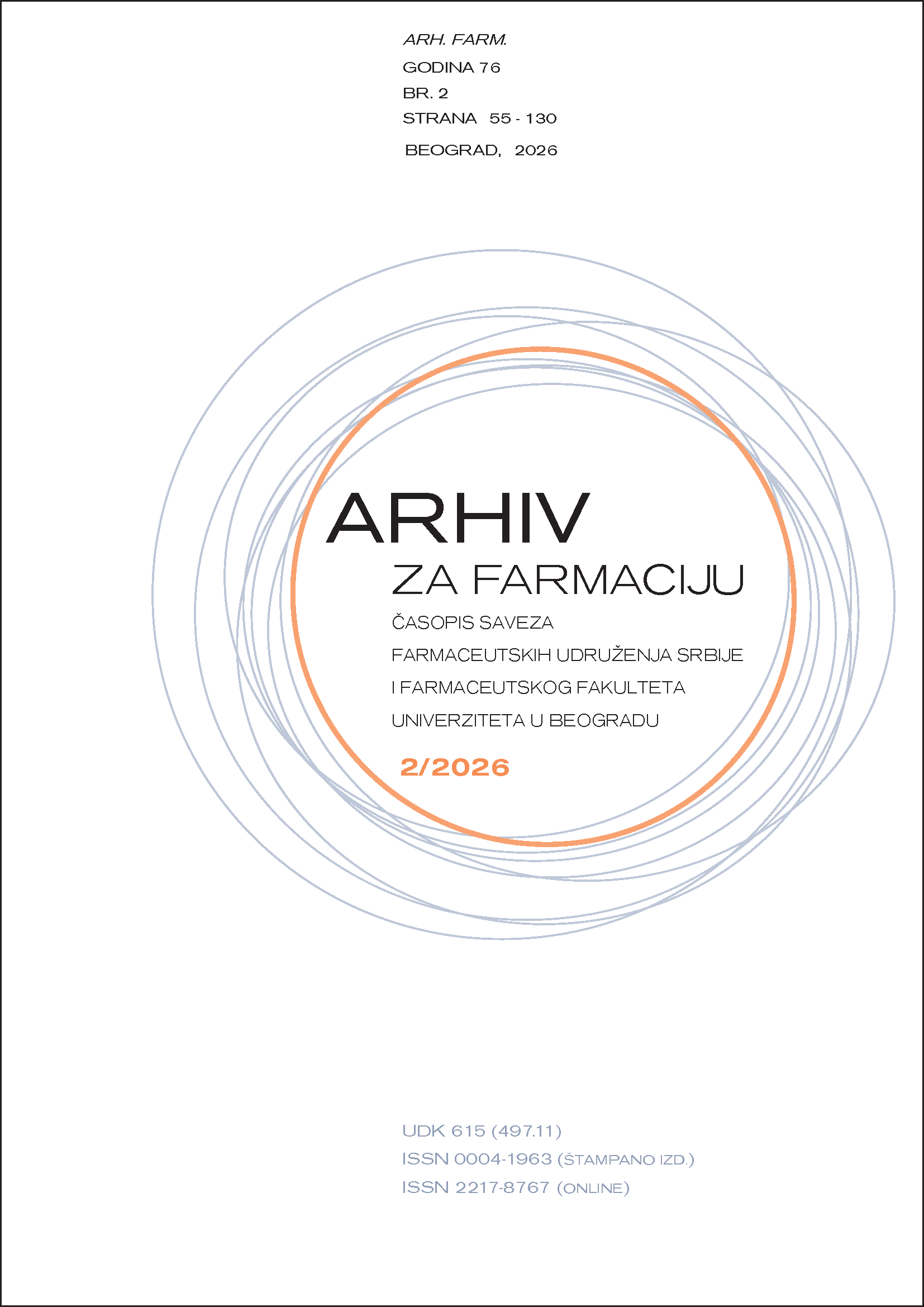
  3. Vol. 76 No. Notebook 2 (2026)

Published: 2026/04/29

Review articles

    • PDF
    Microglial Dysfunction and Cognitive Impairment in Animal Models of Type 2 Diabetes: A Systematic Review Bridging Diabetes and Early-Stage Neurodegeneration
    Jovana Aranđelović Ilić, Jasmina Đuretić
    55-80
    • PDF
    Pharmacists’ Knowledge and Attitudes Regarding Biologics and Biosimilars: A Literature Review
    Marija Trajculeski, Zorica Naumovska, Darinka Gjorgieva Ackova, Marija Darkovska Serafimovska, Biljana Lazarova, Katarina Smilkov
    81-101

Original scientific paper

    • PDF
    Development and Validation of an RP-HPLC Method for the Determination of Tiazotic Acid and Its Impurity with Application to Tablet Analysis
    Branka Ivković, Nemanja Turković, Milena Turković, Olivera Čudina, Milkica Crevar
    102-121
    • PDF
    Sex-specific Associations Between Serum Quinolinic Acid and Disease Severity in Relapsing-remitting Multiple Sclerosis: A Cross-sectional Study
    Marija Vasić
    122-130
Language
  • English
  • Srpski
MAKE A SUBMISSION
Information
  • For Readers
  • For Authors
© Copyright 2026. Centre for Evaluation in Education and Science

This field is required.
Close  
Ensuring a Blind Peer Review

To ensure the integrity of the blind peer-review for submission to this journal, every effort should be made to prevent the identities of the authors and reviewers from being known to each other. This involves the authors, editors, and reviewers (who upload documents as part of their review) checking to see if the following steps have been taken with regard to the text and the file properties:

  1. The authors of the document have deleted their names from the text, with Author and year used in the references and footnotes, instead of the authors' name, article title, etc.;
  2. With Microsoft Office documents, author identification should also be removed from the properties for the file (see under File in Word), by clicking on the following, beginning with File on the main menu of the Microsoft application: File > Save As > Tools (or Options with a Mac) > Security > Remove personal information from file properties on save > Save.
  3. With PDFs, the authors' names should also be removed from Document Properties found under File on Adobe Acrobat's main menu.